Build MCP servers with your agent
Give your coding agent the FastMCP documentation, then use it to build and test MCP tools in Python.
Get started
Add FastMCP to your project
In an existing uv project, add the Python package. Check the installation guide for requirements and other package managers.
TerminalFastMCP documentationuv add fastmcpConnect the documentation MCP server
Add this URL in your agent’s MCP settings. This server searches FastMCP documentation; it does not connect the agent to your application’s data.
Documentation MCP URLhttps://gofastmcp.com/mcp
Setup prompt
Paste this into your coding agent to walk through the setup.
Help me set up FastMCP in this project. Read https://gofastmcp.com/llms.txt and the current installation instructions. Check the Python environment, package manager, and existing dependencies first. Ask before installing anything or changing configuration. Help me connect the documentation MCP server at https://gofastmcp.com/mcp using my agent’s supported settings. Verify the installation locally without publishing a server or connecting production credentials.
Documentation & source
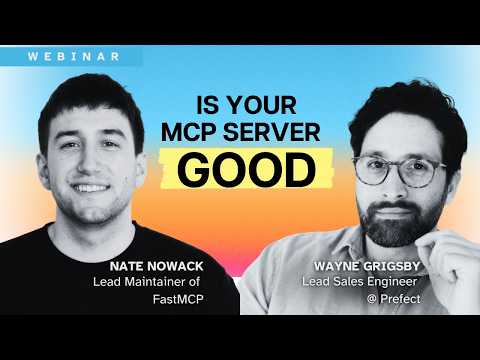
FastMCP documentationDocumentation index for agentsFastMCP on GitHubIs your MCP server actually good?
A conversation with FastMCP’s lead maintainer.